VS Code Plugin, Export History, Figma Components
Good design is invisible. Streamline just got a little more so.
No more clicks you don’t need. No more tabs you didn’t mean to open. Just a streamlined workflow where Streamline fades into the background, and your work stays front and center.
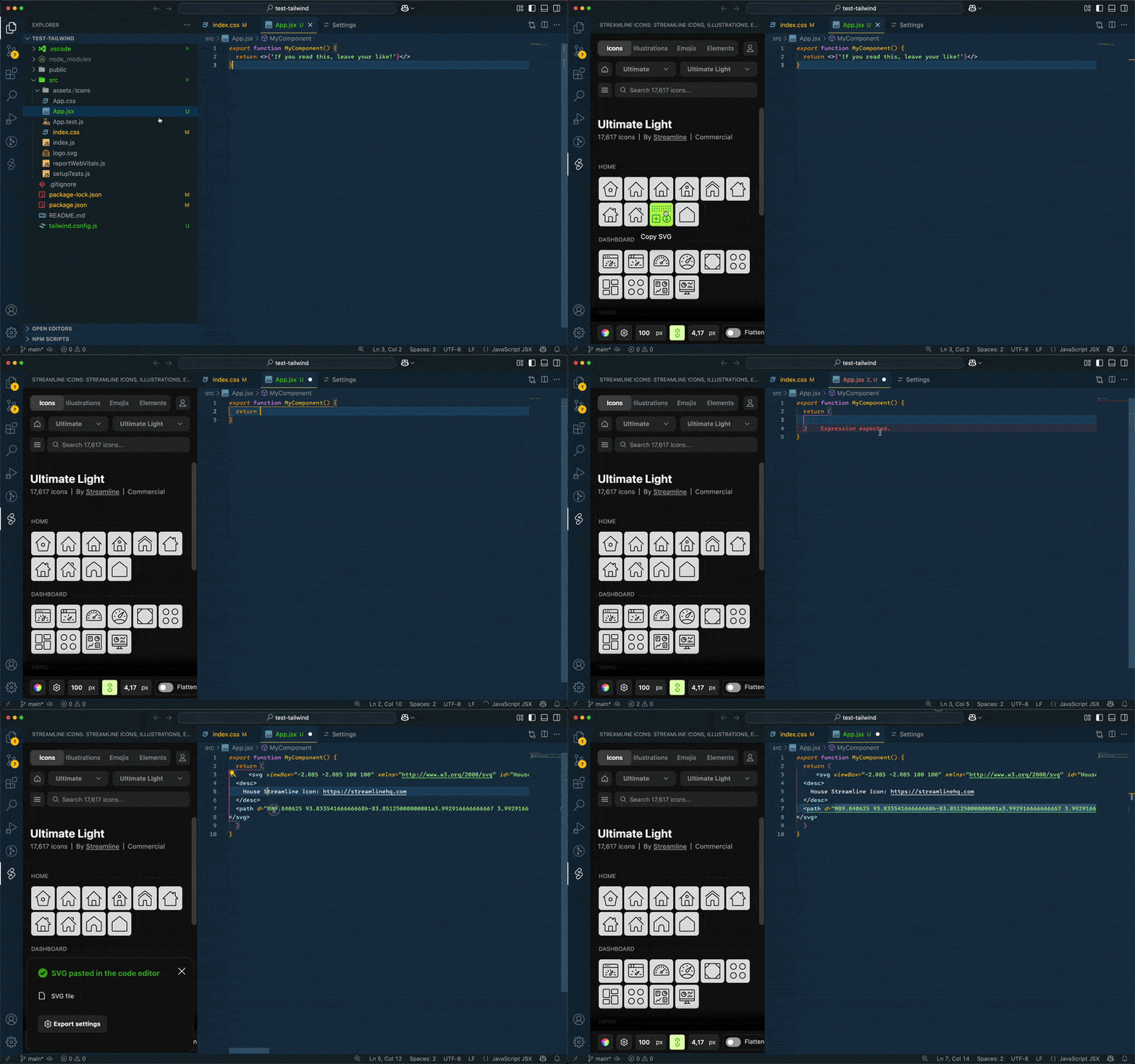
VS Code Plugin
Simply insert assets in VS Code with the official plugin. No need to switch tabs or lose focus. Watch a tutorial.
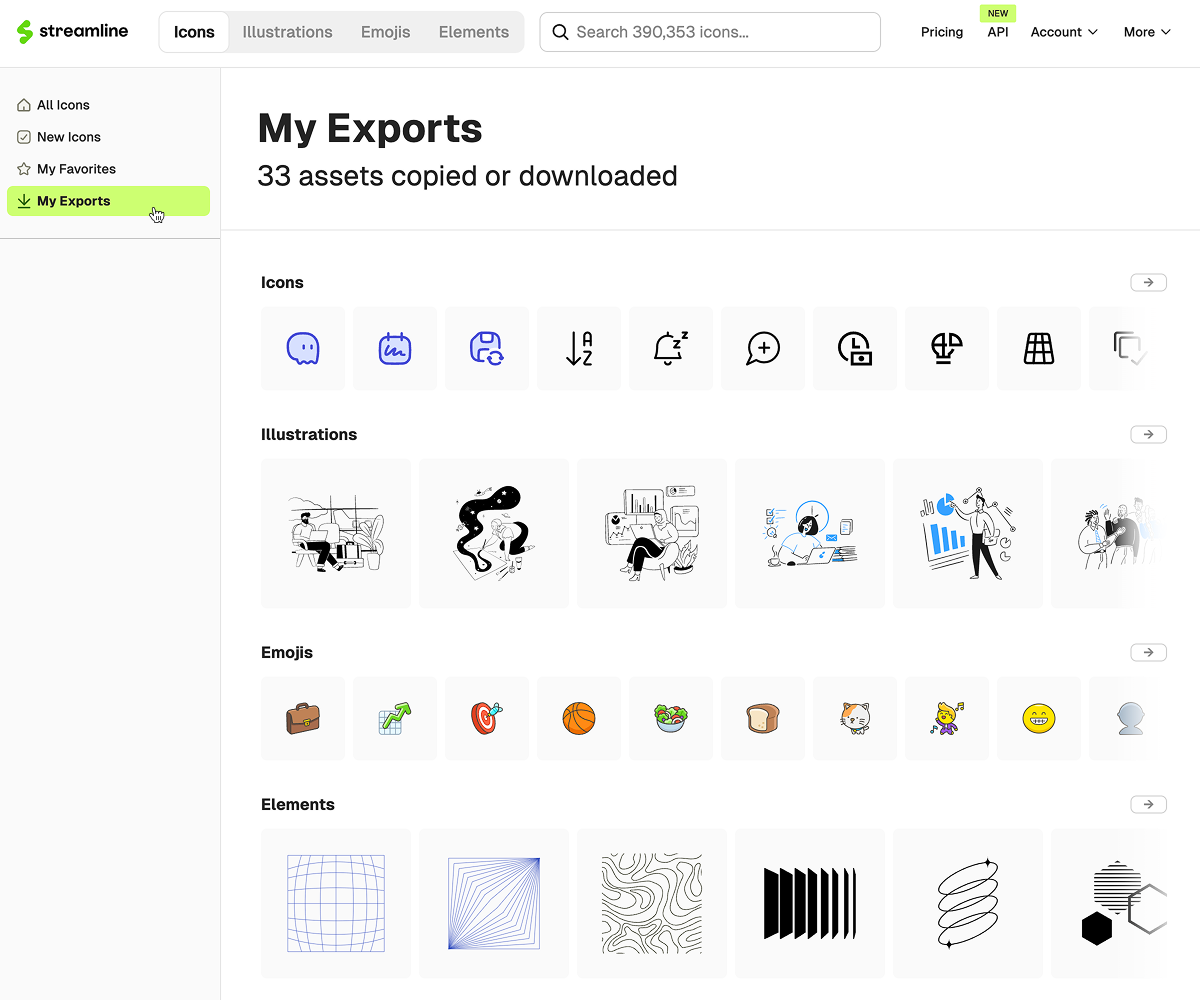
View Your Export History
Streamline Favorties is for the planned. But if a lot of what you do is fast and messy, the export history will serve as a breadcrumb trail, moving forward.
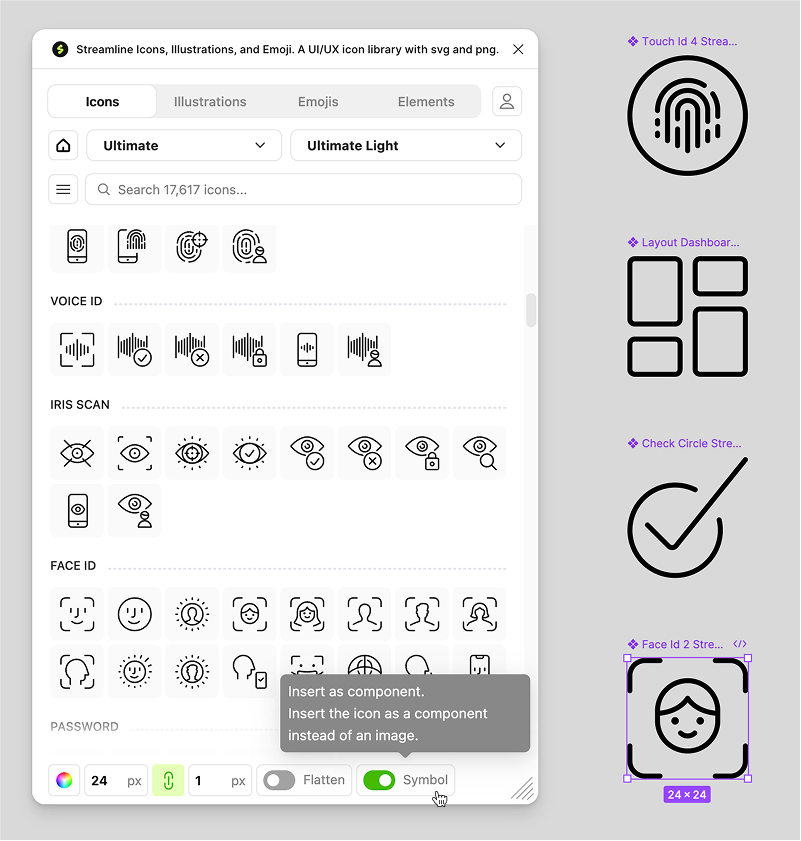
Components in Figma
Now you can drop an icon as a component and save yourself a little bit of manual effort.
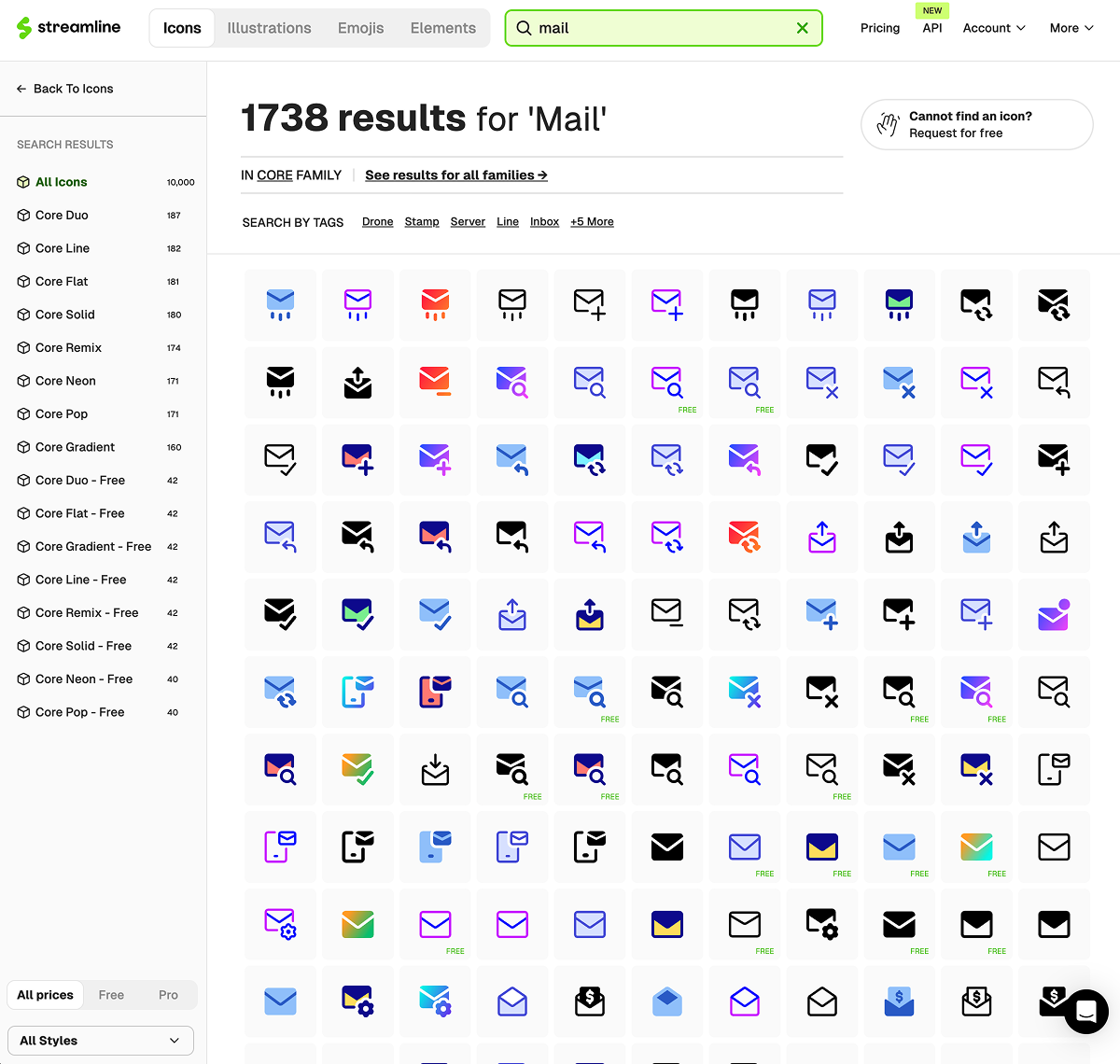
Search Inside a Family
Streamline has some of the largest icon and illustration families on the internet. Each family had many sets: Line, Solid, Flat, Remix.. and so on. Historically, you could search globally across all families and within a single set. Now, you can search within all the sets of a family.
Thanks for choosing Streamline! If you have any feedback, suggestions or ideas for us, please reply to this email. We'd love to hear!